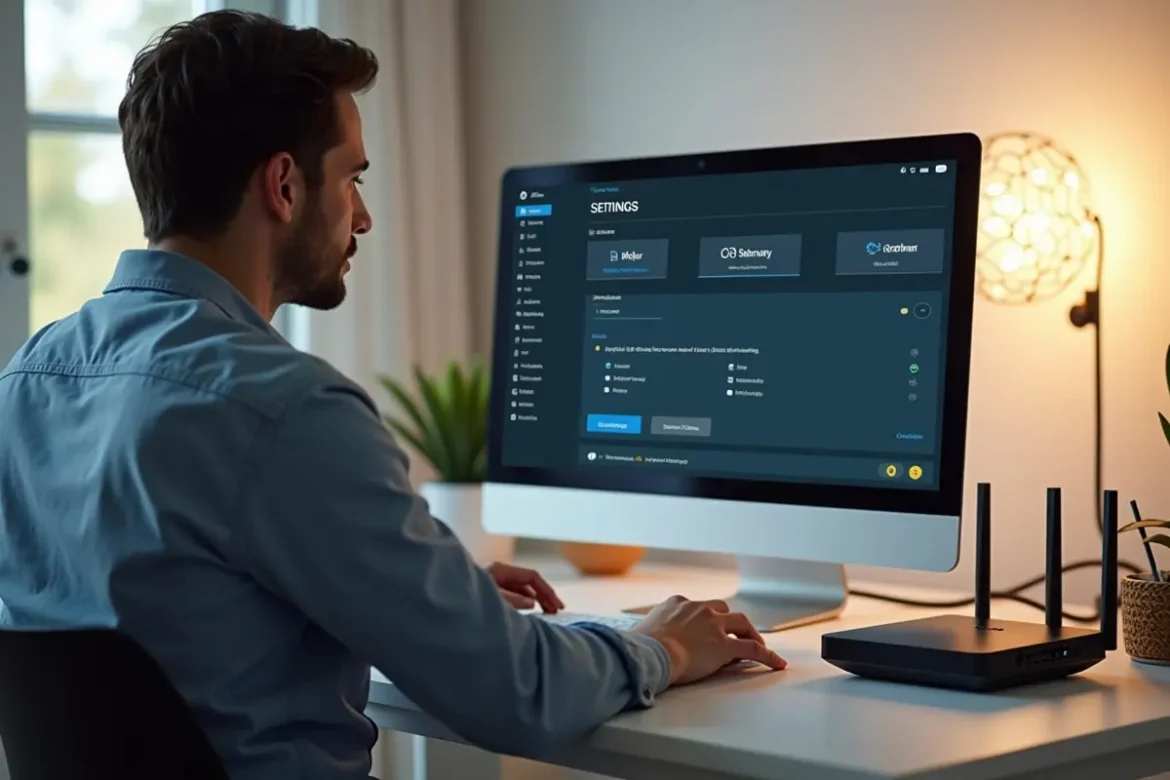
Slow internet is one of those small frustrations that can snowball into a full-blown annoyance. Streaming buffers at the worst moment, pages take forever to load, and video calls stutter right when you’re trying to make a point. Most people assume the only solution is upgrading their plan — but in reality, you may already be paying for enough speed. The real issue often lies in how your home network is set up, not the plan itself.
Before you dive into fixes, it’s worth checking what options are available from internet providers in my area so you have a sense of what you could upgrade to in the future. But for now, plenty of simple adjustments can make your existing connection feel noticeably faster without spending more each month.
Start With the Router: Small Changes, Big Improvements
Your router is the heart of your home network, and tiny shifts in how you position or manage it can dramatically improve speed and stability.
Put the Router in a Better Spot
Where your router sits influences the strength of the Wi-Fi signal more than most people realise. If it’s hidden behind the TV or tucked into a corner, it has to work harder — and the signal weakens before it reaches your devices.
Try placing it:
- In a central, elevated position
- Away from thick walls, fridges, or metal shelving
- Away from devices like microwaves, baby monitors, and cordless phones
Even a small repositioning can clear up weak spots you didn’t realise were caused by interference.
Give It a Fresh Start
Routers collect digital “clutter” over time. Restarting it once every few weeks helps clear temporary glitches and refresh the connection from your provider. It’s a quick fix that can dramatically improve speed without any technical expertise.
Switch Your Devices to the Faster Band
Most modern routers broadcast two Wi-Fi bands: 2.4 GHz and 5 GHz. Both serve a purpose, but the one you’re connected to may be slowing you down.
- 2.4 GHz: Wider range but slower, more crowded
- 5 GHz: Faster but works best at shorter distances
If your TV, laptop, or console is close to the router, connecting it to the 5 GHz band can instantly improve streaming, downloads, and general responsiveness. Devices farther away or behind walls may still need 2.4 GHz, but anything nearby should be switched.
Fix the Hidden Bottleneck: Old Cables
Even if you use Wi-Fi most of the time, the cables feeding your router matter. Many people unknowingly use outdated Ethernet cables that limit speed long before the signal reaches their devices.
Check the label on your cable:
- Cat5: Too slow for modern speeds
- Cat5e: Acceptable but not ideal
- Cat6 / Cat6a: Best for fast, consistent performance
Upgrading cables is one of the cheapest ways to make your connection feel faster immediately.
Reduce Network Congestion at Home
Every device in your home uses bandwidth. Even smart doorbells, printers, security cameras, and appliances constantly send small amounts of data across your network. The more devices you have, the harder your router works.
Easy Ways to Free Up Bandwidth
- Disconnect devices you don’t use
- Turn off automatic backups while streaming or gaming
- Pause big downloads during busy hours
- Device-specific tip: If your PC or console supports Ethernet, plug it in — wired connections don’t compete with Wi-Fi
These small adjustments help your Wi-Fi perform better without sacrificing convenience.
Move Heavy-Duty Devices Off Wi-Fi
Anything that streams video, downloads large files, or uses high-speed applications will always perform better on a wired connection. It also reduces stress on your wireless network.
Consider using an Ethernet cable for:
- Smart TVs
- Desktop computers
- Gaming consoles
This frees up the wireless network so lighter devices like phones and tablets get faster, more consistent speeds.
Check for Background Tasks You Didn’t Notice
Sometimes the cause of slow internet isn’t the network at all — it’s what your devices are doing in the background.
Look Out For:
- Cloud backups syncing thousands of photos
- Software updates downloading automatically
- File-sharing programs running quietly
- Multiple browser tabs with streaming sites open
A quick audit of your devices can reveal apps using more bandwidth than you expect. Pausing or rescheduling these tasks often leads to immediate improvements.
Use a Wi-Fi Extender or Mesh System (If Needed)
If you have a larger home or lots of walls, even the best router can struggle to distribute Wi-Fi evenly. Instead of upgrading your plan, improving the distribution of your network may be the smarter approach.
- Wi-Fi extenders boost the existing signal to cover dead zones.
- Mesh systems extend your network across multiple access points for seamless coverage.
This helps make your existing speed more usable in every part of the house.
Test Your Speed Where It Matters
Many people check internet speed only in one spot — usually near the router. Move around your home and run a few tests on your phone or laptop. This helps you:
- Identify rooms with weak signals
- See whether repositioning the router helps
- Understand which devices need wired connections
- Catch interference issues early
It also gives you a more accurate picture of your actual experience, not just a single snapshot.
Make the Most of the Speed You Already Have
You don’t need to immediately upgrade your internet plan to enjoy faster, more stable performance. Often, the biggest improvements come from tweaks inside your home — better placement, fewer competing devices, updated cables, or smarter settings.
Once you’ve fixed the internal bottlenecks, your existing plan will feel far more powerful. And when you eventually decide to upgrade, you’ll know your home setup is ready to support those faster speeds instead of holding them back.
If you’ve ever wondered whether you’re truly getting the most from the speed you’re already paying for, these small adjustments can make a surprisingly big difference.